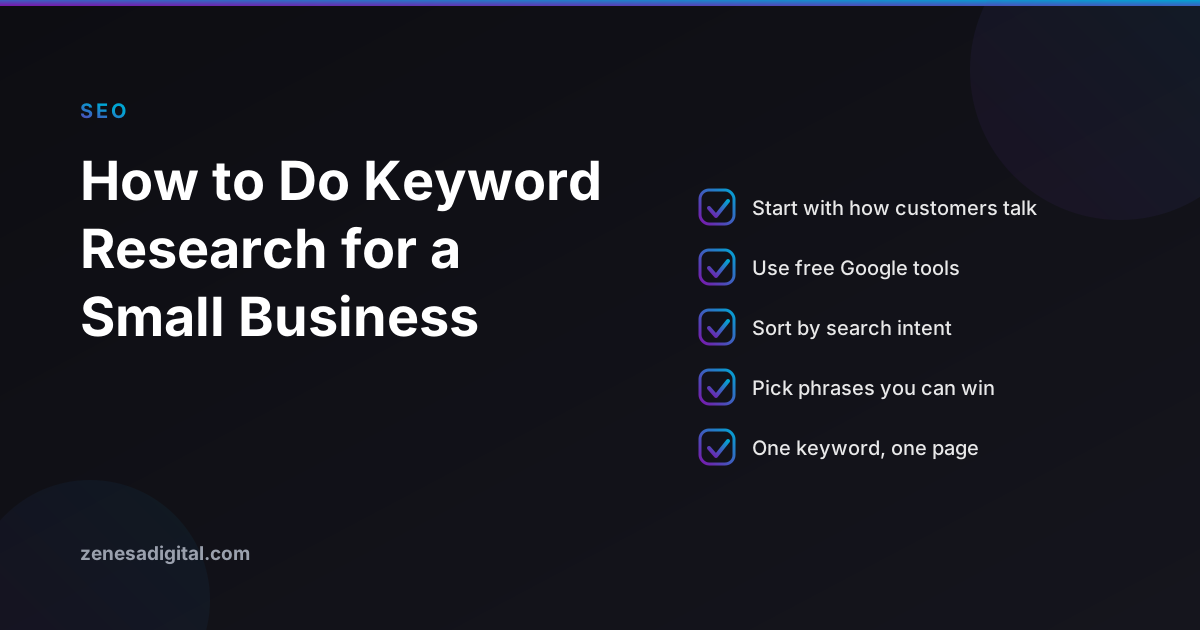
Most small business websites are written the way the owner talks: "bespoke digital solutions", "full-service creative studio". Customers search differently. They type "website design for a dentist" or "how much does a logo cost". Keyword research is the habit of finding those real phrases before you write the page, so the words on your site match the words in the search box.
You do not need expensive software. You need an afternoon, a spreadsheet and a willingness to see your business through a stranger's eyes.
Step 1: Start with what you sell, in plain language
Write down every service or product, then add the problem each one solves. A web design agency might list "website design", "ecommerce store", "logo design" and "mobile app". Next to each, write the questions a customer asks before buying: how much, how long, what do I need to provide, who owns it afterwards. These are your seed topics.
Ask your team and recent customers how they first described what they wanted. The wording they used is often better than anything a tool will suggest.
Step 2: Expand the list with free Google features
Type each seed topic into Google and pay attention to three places:
- Autocomplete. The suggestions that appear as you type are phrases people really search.
- People also ask. These questions are ready-made headings and FAQ entries for your page.
- Related searches. At the bottom of the results page, they show neighbouring phrases you may have missed.
Copy the useful ones into your spreadsheet. Do not filter yet; you are collecting.
Step 3: Mine the data you already have
If your site is verified in Google Search Console, the Performance report lists the queries that already show your pages in results, with impressions and clicks. Phrases where you appear but get few clicks, or sit just past the first page, are the cheapest wins: the page is already relevant, it just needs a better title or a deeper answer. If you have not set it up yet, our guide to setting up Google Search Console walks through it.
Google's Keyword Planner, inside a Google Ads account, is another free source. Be aware that without active advertising it tends to show search volume as broad ranges rather than exact numbers, so use it to compare phrases against each other, not as a precise count.
Step 4: Sort by search intent
Search intent is the reason behind the search, and it decides which page should target a phrase. Sort your list into four groups:
- Learn: "what is technical SEO", "how long does a website take to build". Best answered by a guide or blog post.
- Compare: "Shopify vs WooCommerce", "custom website vs Squarespace". Best answered by an honest comparison.
- Hire or buy: "web design agency Houston", "logo design services". Best answered by a service page.
- Find a brand: your name and your competitors' names. Your homepage and contact page cover these.
The most common mistake is aiming a service page at a "learn" phrase, or a blog post at a "hire" phrase. Look at what Google already ranks for the phrase. If every result is a how-to article, a sales page will struggle however well it is written.
Step 5: Judge how winnable each phrase is
Search for each shortlisted phrase and look at the first page honestly. Are the results from huge national brands and directories, or from businesses your size? Are they thorough, or thin and out of date? A phrase where small, specific sites appear is realistic. A phrase dominated by household names is not a good first target.
For most small businesses, three modifiers make a phrase easier to win and more likely to convert:
- Location: "website design Houston" beats "website design" for a studio that serves a city. Keep your Google Business Profile consistent with it.
- Specific audience: "website design for restaurants" or "logo design for startups".
- Specific need: "redesign without losing rankings" or "website maintenance plan".
Step 6: Give every keyword one page
Map each chosen phrase to exactly one page. Two pages chasing the same phrase compete with each other and neither does well. Where a phrase has no page, that is your content plan. Where a page has no clear phrase, that page needs a clearer purpose.
Then put the phrase where it belongs and nowhere it does not: the page title, the main heading, the opening paragraph and naturally in the body. Repeating it unnaturally does not help and reads badly. The details of titles are in our guide to writing page titles and meta descriptions.
A simple spreadsheet to keep
Five columns are enough: the phrase, the intent group, the page that targets it, how winnable it looks, and a note. Review it every few months against Search Console. Phrases you rank for but never planned for show how customers actually find you; fold them into the plan.
What to avoid
- Chasing volume only. A phrase searched ten times a month by people ready to hire can be worth more than one searched thousands of times by browsers.
- Keyword stuffing. Write for the reader first; search engines understand related wording.
- Ignoring the results page. No tool replaces looking at what Google actually shows.
- Doing it once. Customer language and competition change.
Keyword research is the foundation of everything else in how SEO works. If you would rather have someone build the list and the pages that go with it, see our SEO services or contact us.
