Every few weeks a business owner tells us their website is "slow" and asks for a faster one. When we ask what they measured, the answer is usually a feeling, or a single score from a free tool that changed when they ran it twice. This guide replaces the feeling with three numbers Google actually publishes, shows you how to test your own site for free, and explains the fixes that most often move those numbers. We build websites, so we have an interest in this topic, but most of what follows you can do yourself.
The three numbers that matter: Core Web Vitals
Google groups real-world page experience into three measurements called Core Web Vitals. Its own documentation (web.dev) gives the pass marks:
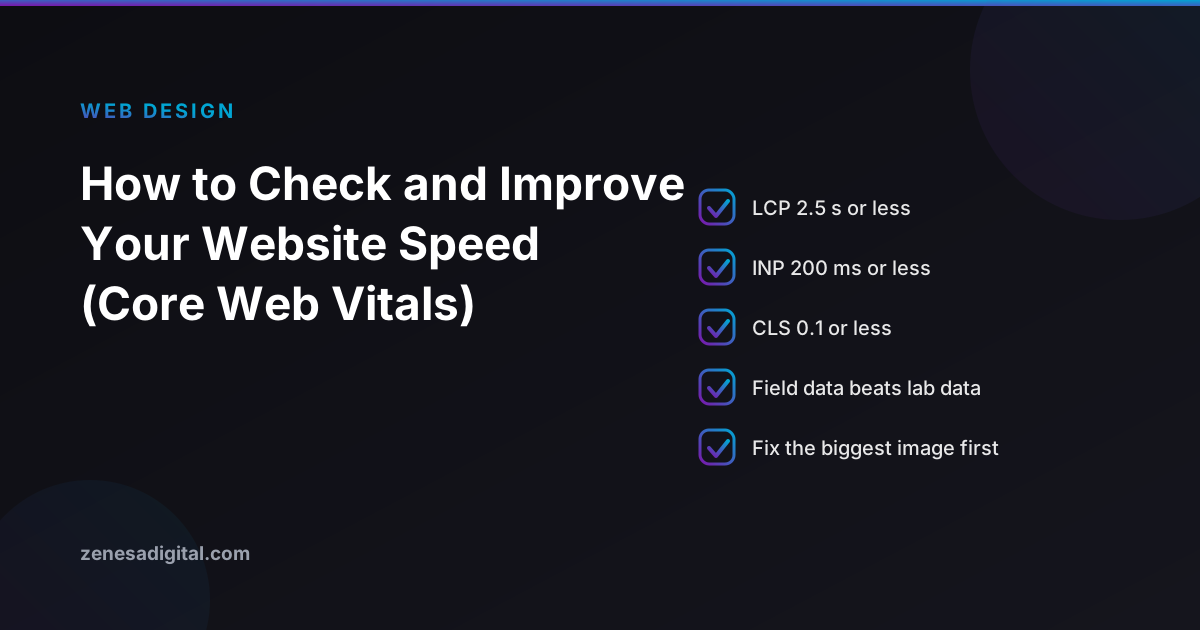
- Largest Contentful Paint (LCP): how long the biggest visible element, usually the hero image or main heading, takes to appear. Good is 2.5 seconds or less.
- Interaction to Next Paint (INP): how quickly the page responds after someone taps or clicks. Good is 200 milliseconds or less.
- Cumulative Layout Shift (CLS): how much the page jumps around while loading, the thing that makes you tap the wrong button. Good is 0.1 or less.
Two details are easy to miss. First, a page passes only if at least 75 percent of real visits meet the mark, because Google assesses the 75th percentile of page loads. Second, mobile and desktop are assessed separately. A site can pass on a fast office computer and fail on the phones most of your customers use.
Does speed affect your Google ranking?
Yes, but less than the speed-testing industry implies. Google says Core Web Vitals align with what its core ranking systems seek to reward, and it recommends site owners achieve good scores. In the same documentation it also says there is no single page experience signal, and that Google Search always seeks to show the most relevant content even if the page experience is sub-par.
The practical reading: a slow page with the best answer can still rank, and a fast page with a weak answer will not. Fix speed because slow pages lose visitors and enquiries, not because a score will vault you past a better competitor. If rankings are your goal, content and links still come first, which is what we cover in what SEO is and how it works.
How to test your own site in ten minutes
1. Run PageSpeed Insights
Open Google's free PageSpeed Insights tool (pagespeed.web.dev), paste your homepage address and run it. Then run your most important service page, because the homepage is rarely the page people search for.
2. Read the field data first
The report shows two kinds of data, and Google explains the difference: lab data is useful for debugging because it is collected in a controlled environment, but it may not capture real-world bottlenecks, while field data captures the real-world experience. Look at the field data at the top. It comes from real Chrome visitors.
If your page does not have enough visits to appear in that dataset, PageSpeed Insights falls back to figures for your whole site, and if there are still too few, it shows no real-user data at all. A small local business may well land in that last group. In that case use the lab results as a rough guide and rerun them a few times, because they vary from run to run.
3. Check Search Console
If you have set up Search Console, its Core Web Vitals report shows which groups of pages pass or fail, so you do not have to test them one by one. Our guide to setting up Google Search Console explains how to get it running under your own account.
4. Test on a real phone
Switch your phone to mobile data, open your site and tap through it. Notice anything that jumps, hangs or takes a long moment to respond. A number tells you that something is wrong; your own thumb tells you what.
What usually fixes each number
If LCP is slow
- Resize and compress the main image. A photo straight from a phone or camera can be several times larger than a page needs. Export it at the size it is displayed, in a modern format such as WebP.
- Do not lazy-load the top image. Loading images only when needed is good for images lower down the page, but the first big image should load straight away.
- Check your hosting. If the server is slow to answer, nothing on the page can appear quickly. A server that takes several seconds to respond before sending anything is a hosting or application problem that image work will not cure.
If INP is slow
- Remove scripts you do not use. Old chat widgets, abandoned tracking tags and sliders each add code that competes with your visitor's tap.
- Be careful with page builders and plugin stacks. Every add-on is more code on every page.
If CLS is high
- Give images and embedded videos fixed dimensions so the page reserves their space before they load.
- Watch banners and cookie notices that push content down after the page has appeared.
- Be wary of web fonts that swap in late and reflow your text.
The cheapest order of work
- Compress and resize the largest images on your main pages.
- Delete plugins, widgets and tracking tags nobody uses.
- Set image dimensions so the page stops jumping.
- Retest, and only then look at hosting and the theme.
Change one thing at a time and retest, so you know what actually helped. It is the same discipline we recommend when redesigning a site without losing your rankings.
When speed is a sign you need a rebuild
If images are sized properly, unused scripts are gone, hosting is reasonable and the numbers still fail, the platform or theme is probably the cause. That is one of the measurable tests in our article on signs your website needs a redesign, along with the cases where a rebuild is the wrong purchase. Slow sites also tend to be neglected ones, so it is worth reading what website maintenance really costs before deciding.
Frequently asked questions
What is a good website loading speed?
Google publishes three pass marks rather than one speed: LCP of 2.5 seconds or less, INP of 200 milliseconds or less and CLS of 0.1 or less, measured at the 75th percentile of real visits and separately for mobile and desktop.
Does website speed affect Google rankings?
Slightly. Google says there is no single page experience signal and that relevance still comes first. Speed matters mainly because visitors leave slow pages.
Why is my PageSpeed score different every time?
The lab score comes from one simulated test and varies. Rely on the field data at the top of the report when it is available.
What slows down most small business websites?
Oversized images, third-party scripts and slow hosting are the usual causes. Measure first, because every site differs.
Do I need a new website to fix a slow one?
Often not. Image work, removing unused scripts and better hosting fix many sites. Rebuild only if the platform itself is the bottleneck.
Need a hand?
If your numbers fail and you would rather not dig through plugins, tell us your address and we will say plainly what we would fix first, and whether it needs a rebuild. See our website design services, our SEO services, or contact us.
