Almost every guide to choosing a domain name is published by a company that sells domain names. That is not a reason to distrust them, but it does explain why so many of them end with a list of ten extensions you should also buy, a privacy add-on and a premium name search.
We build websites and we do not sell domains, so this guide has nothing to upsell. It covers the naming decisions that genuinely matter, what Google itself publishes about domains and search rankings, which versions are worth owning, and the registration details that decide whether the name is still yours in five years. That last part is where most of the real damage happens, and it gets the least attention.
Start with the name your customers already say out loud
The best domain name for most small businesses is the business name, followed by .com. Customers hear your name on the phone, see it on your van, your invoices and your Google Business Profile, and then type it into a browser. Every step you put between the name they know and the address they type is a place to lose them.
If your exact business name is taken, the usual fixes, in rough order of preference, are:
- Add a short, natural word that customers would use anyway: getacme.com, acmeplumbing.com, acmedesign.co.
- Add your city or region if you only serve one area and plan to keep it that way: acmehouston.com.
- Use your country extension if you only trade in one country, such as .co.uk or .com.au.
- Use a newer extension that describes the business, such as .studio or .shop, accepting that some people will still type .com out of habit.
What we would avoid is inventing a different name purely because it is available as a domain. If the website says one thing and the shopfront says another, you have created a small brand problem to solve a registration problem.
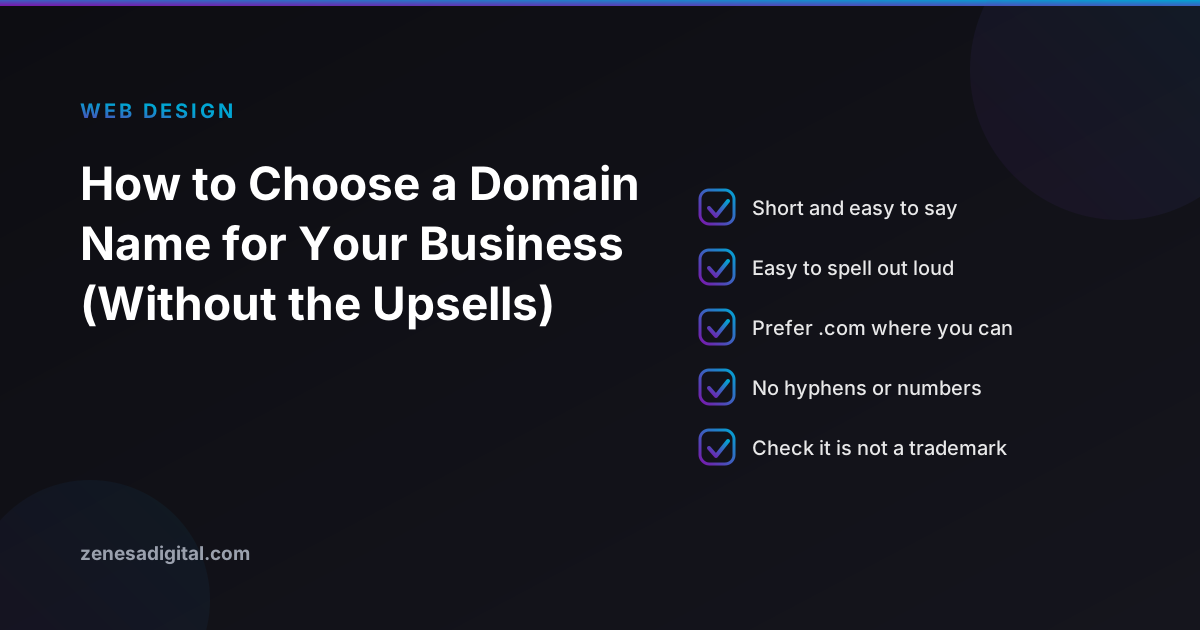
Six rules that actually matter
1. It passes the phone test
Say the domain out loud to someone and ask them to type it. If you have to spell it, explain a hyphen, clarify "the number four, not the word", or say "with two Ls", the name will leak customers every time it is spoken. Avoid deliberate misspellings, slang spellings and words with two common spellings.
2. It is short enough to type on a phone
There is no magic character count, but shorter names are easier to remember, easier to fit on a business card and harder to mistype. If a name only works written down, it is too long.
3. No hyphens and no numbers, unless they are part of your real name
Hyphens get dropped when people remember a name, which sends your visitors to whoever owns the unhyphenated version. Numbers create the "digit or word?" problem above. If your trading name genuinely contains a number, register both forms and redirect one to the other.
4. It does not borrow someone else's trademark
Search the name before you buy it, including the USPTO trademark database in the United States or the equivalent register where you trade. A domain that contains another business's trademark can be taken from you under ICANN's Uniform Domain-Name Dispute-Resolution Policy, and it can invite a legal letter long before that. Two minutes of searching is cheaper than a rebrand.
5. It leaves room to grow
A name built around one product, one city or one service works until you add a second. houstonlogodesign.com is awkward the day you start building websites in Dallas. If you are confident your business will stay narrow, a descriptive name is fine. If not, lean on the brand name.
6. It does not come with someone else's history
A name that has been registered before may carry baggage: spam, a previous business's bad reviews, or links from sites you would not choose to be associated with. Before buying a previously owned domain, look it up in the Internet Archive's Wayback Machine to see what used to live there. If it was a casino affiliate site two years ago, keep looking.
What Google actually says about domain names and rankings
This is where most advice goes wrong, usually in the direction of "put your main keyword in the domain". Google's own documentation is unusually direct on the point.
- Keywords in the domain. Google's SEO Starter Guide lists this under things not to focus on, stating that "the keywords in the name of the domain (or URL path) alone have hardly any effect beyond appearing in breadcrumbs."
- The extension. The same guide says the top-level domain "only matters if you're targeting a specific country's users, and even then it's usually a low impact signal." For almost every business, .com, .org or .co will rank the same.
- Country extensions. Google's guidance on multi-regional sites describes country-code domains such as .de or .co.uk as "a strong signal to both users and search engines that your site is explicitly intended for a certain country." Useful if you trade only in that country, limiting if you do not. Google also treats some country codes, including .co, .io, .me and .tv, as generic because people use them that way.
- City and industry extensions. When the new extensions launched, Google's Search Central blog stated that region and city extensions such as .london are treated as generic domains, and that keywords in an extension give no advantage or disadvantage. A .london address will not make you rank in London; a London business with a good .com will do just as well.
The practical conclusion is freeing. You do not have to choose between a name customers remember and a name Google likes, because Google does not reward the keyword-stuffed version. best-cheap-plumber-houston.com is harder to remember, looks less trustworthy in a search result and gains you nothing. Rankings come from the site: its content, its technical health and its reputation, which our guide to how SEO works covers in plain terms.
Choosing an extension
A short decision guide:
- .com - the default everywhere and the one people type when they are guessing. Take it if a good version is available.
- Your country code (.co.uk, .com.au, .ca) - the right primary choice if you only sell in one country, and worth owning alongside a .com if you actively trade there. Some country extensions have eligibility rules; .com.au, for example, requires an Australian connection.
- Newer descriptive extensions (.studio, .design, .shop) - perfectly legitimate and neutral for search. The cost is habit: some visitors will type .com anyway, so check who owns the .com version of your name before committing.
- Anything priced as "premium" - the renewal price can be very different from the first-year price. Read the renewal line, not the headline.
How many versions should you buy?
Registrars will happily sell you a dozen. Most businesses need two or three:
- The main name you will actually use.
- The country version for any country you actively trade in.
- Possibly one obvious alternative, such as the hyphenated form or a common misspelling, if it would genuinely hurt you in a competitor's hands.
Point every extra name at the main site with a permanent (301) redirect rather than building a copy of the site on each one. Duplicate sites split your reputation instead of adding to it.
Registering it properly: the part that matters in five years
Choosing the name takes an afternoon. Losing it takes one missed email. These are the settings we check on every project.
- Register it in the business's name. The registrant should be your company, not your web designer, a freelancer or an employee's personal account. Our guide to who owns your website after launch explains why this is so hard to fix afterwards, including the 60-day transfer lock that follows a change of registrant.
- Use an email address the business controls - ideally a role address such as admin@ on a domain you own, not someone's personal Gmail. Renewal and verification notices go to that address. If nobody reads it, nobody sees them.
- Keep your contact details accurate. Registrars must verify the registrant's contact information, and an unanswered verification request can get a domain suspended.
- Turn on auto-renew and check the card. Under ICANN's Expired Registration Recovery Policy, registrars must send renewal reminders roughly one month and one week before a generic domain expires. After expiry your website and your email stop working. If the name is then deleted, most generic registries hold it in a 30-day redemption grace period during which you can restore it, usually at a noticeably higher fee than a normal renewal. After that, anyone can register it.
- Secure the registrar account. Two-factor authentication, a strong unique password, and the transfer lock switched on. The registrar account is the master key to your website and your email.
- Give your designer DNS access, not the account. Whoever builds your site needs to point the domain at the hosting. They do not need to own the account to do that, and most registrars let you add a delegate or share DNS management.
Already have a domain you do not love?
Changing domains is possible, but treat it as a project rather than a tidy-up. Google handles it as a site move, and it goes smoothly only if every old address is redirected to its new equivalent and the old domain is kept and renewed indefinitely. If your current name is merely imperfect, keeping it is usually the better decision. If you do decide to move, our guide to redesigning a website without losing your rankings covers the redirect plan step by step, and it applies just as much to a change of domain.
A five-minute checklist before you pay
- Does it pass the phone test with someone who has never heard the name?
- Is it free of hyphens and numbers, or are those genuinely part of your name?
- Have you searched the trademark register and a normal web search for the name?
- Have you checked the Wayback Machine for anything that used to live there?
- Do you know the renewal price, not just the first-year price?
- Will the registrant be your business, on an email address the business controls?
- Is auto-renew on, and is two-factor authentication set up on the registrar account?
If you are also planning the website that will sit on the domain, it is worth writing down what the site needs to do before you speak to anyone who builds them. Our guide to writing a website design brief includes a template you can copy.
Frequently asked questions
Does having keywords in my domain name help SEO?
Very little. Google says in its own SEO Starter Guide that keywords in the domain name alone have hardly any effect beyond appearing in breadcrumbs. Choose the name your customers will remember and type correctly, and earn rankings with the content of the site.
Should I use .com or a newer extension like .shop or .agency?
Use .com if a good version is available, because it is the extension people type by default. Google treats newer generic extensions like any other generic domain, with no ranking advantage or penalty, so the decision is about memorability and trust rather than search.
Do I need to buy every version of my domain name?
No. Buy the main name, the country version for any country you actively trade in, and at most one or two obvious misspellings or alternatives that would genuinely hurt you in the wrong hands. Point the extras at your main site with a permanent redirect.
Who should the domain name be registered to?
Your business, using an email address your business controls, in a registrar account you own. If a designer or agency needs to connect it to your website, give them access to the DNS settings rather than registering the name in their own account.
What happens if my domain name expires?
Under ICANN policy your registrar must send renewal reminders roughly one month and one week before expiry. After expiry your website and email stop working, and for most generic extensions a deleted name then enters a 30 day redemption period where restoring it usually costs extra. Turn on auto-renew with a card that will not expire first.
In short
Pick the name your customers already use, keep it short and spellable, prefer .com or your country code, and ignore advice to stuff keywords into it - Google says plainly that they barely count. Then spend the effort where it protects you: register the name to your business, on an email address you control, with auto-renew and two-factor authentication switched on.
If you would like a hand connecting a new domain to a new site, or a second opinion on a name before you buy it, take a look at our web design service or get in touch. We will tell you honestly if the name you have is already good enough.
